Ownvox
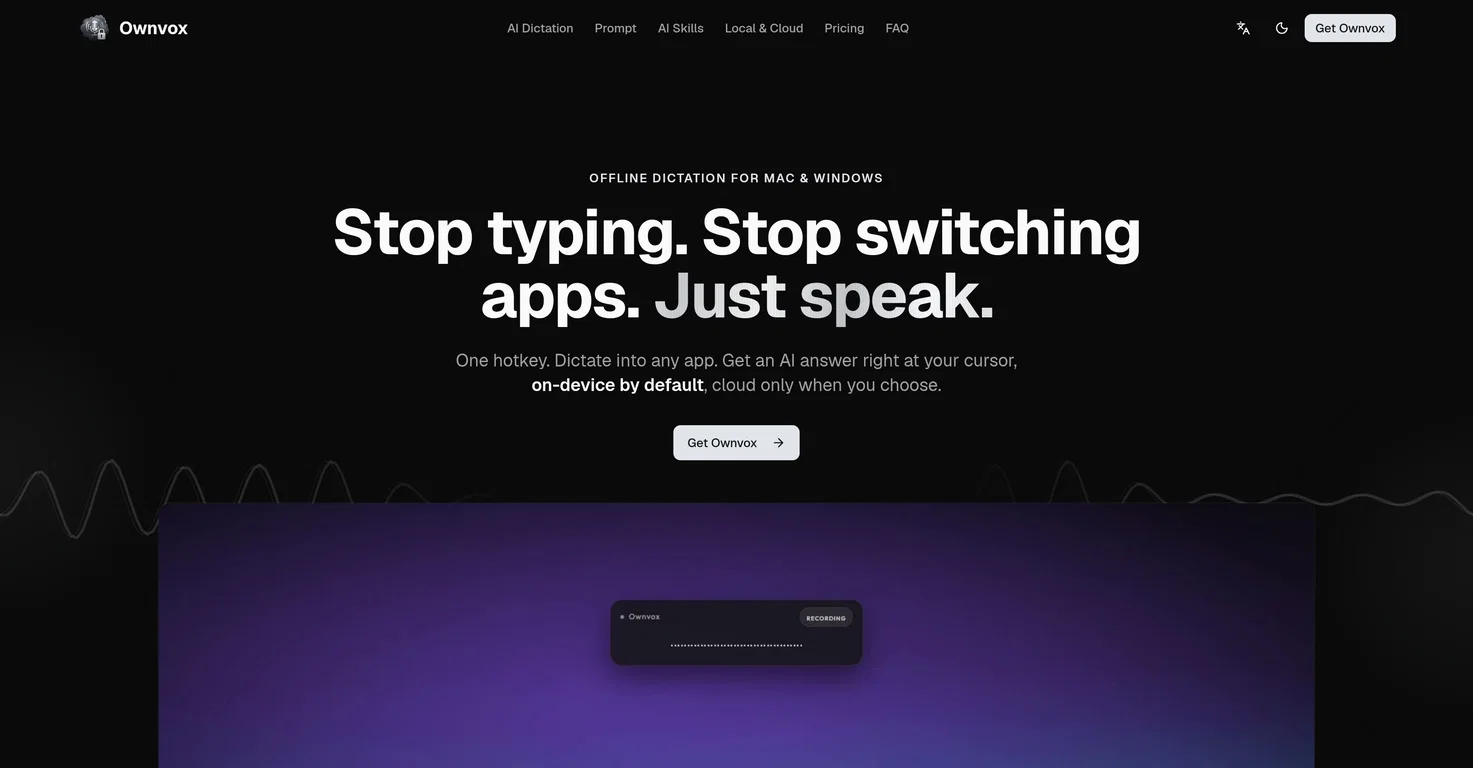
Ownvox is a voice-to-text tool designed for both Mac and Windows that provides offline dictation capabilities across a variety of applications. Users can dictate directly into any given app, eliminating the need to switch between different tools or interfaces, thus improving productivity and maintaining the focus.
User voices are locally transcribed, meaning the data doesn’t leave the device hence ensuring privacy. An important feature of Ownvox is the facilitation of ‘on-device’ AI interaction, thereby allowing users to ask AI questions out loud and get responses directly in their document.
It offers a feature called AI Skills that automates tasks based on the user’s voice prompt. Users can undertake different actions such as selecting text, running a specific skill, or replacing a selection within the application.
Another significant feature includes designing and organizing these AI ‘skills’. Privacy is a key concern for Ownvox- it works ‘offline by default’, ensuring that the user’s voice data remains on the device unless the user opts to enable cloud features.
This is positioned as a much-needed tool for anyone looking for a quick, accurate and secure way to turn voice prompts into text across different applications.
Its primary goal is to reduce switching between apps and maintain user focus.